
Big Sunslider app updates


I recently wrote saying it wouldn’t be too long before there were significant Sunslider app updates to tell you about; here they are! No fluff, let’s get into it - update the app and here’s what you’ll find.
No more passwords
When Sunslider first launched for iOS last August, the first new feature we had to build immediately was a “Forgot password?” function - let’s just say it happened a lot 😅No matter your own password habits - and please, use a good password manager, they’re worth it - you won’t need them anymore to sign into Sunslider. Instead, the sign-in screen will simply ask for your email; so long as you’re registered, you’ll receive a Magic Link in your inbox, just click it and you’ll be taken back to the app, all logged in.
(New users have the same process: when signing up, they’ll provide their signup information and email address; they’ll get the Magic Link and clicking it will take them directly into the app, all registration info recorded and working.)
And what happens to your old passwords? For the moment, nothing; your old password will stay in the database for now, and once the new system is settled in, we'll clean them out. But in terms of using the app, it's already as if they never existed.
Better editor
We’ve reduced the in-app editor system and made the remaining features more reliable. First, we eliminated filters, which were a bit too “Instagram 2016” and really don’t fit our evolving thinking on what Sunslider can do for you in 2026. We also greatly improved the crop and rotate tools, making sure they’re easy-to-use and reliable for both iOS and Android. Finally, we made some tweaks to the text overlay tool to make sure text displays properly both in the editor preview and on the final image.
A more faithful feed
We adjusted how photos display in the feed to make them more faithful to your original shot. Before, particularly with mixed-orientation carousels (slides that included both portrait and landscape shots), the photos were automatically adjusted to fit them all into the same size frame. This gave a very “full” look to the feed itself, because each post cleanly merged into the next; but it also could distort images or cut off important sections.
So instead, we made the decision to stick as faithfully as possible to your original shots. This can sometimes introduce a bit of white space on the feed, for example when a landscape photo is the first photo in a carousel, with portraits following. We think it’s worth it to make sure that your moment is what your friends end up seeing.
A variety of small improvements
That’s the major stuff. We also made some tweaks to:
- Make the feed button in the navigation bar always bring you back to your feed, in the same position as where you were when you left it. If you're already on the feed, tapping feed scrolls you back to the top.
- Load profiles faster, using smaller images to provide the same experience, with faster load times and less data use.
- Fix an iPhone quirk where tapping to switch between rear and front cameras would also include a zoomed view; now the toggle goes straight between rear and front only.
As we mentioned in our last newsletter, Sunslider’s mission has come into focus lately: building tools that help you share with the people you care about (and spend less time scrolling while we’re at it). We think this update pushes things along in that direction.
Bits and pieces
- The sticky, sinister, world wide spider web. Every extra minute we've spent on our phones over the past decade has been passive. Accident? Coincidence? Uh, no.
- What happened to the photo album?. Or, what can I do about the 10,000+ photos on my phone that I'll never get around to organizing?
- Sharing a photo album with friends: Sunslider Albums vs. Google Photos. You just got back from a trip. You took a bunch of photos. You want to share the good ones — not all of them, just the ones worth seeing — and you want to do it today, without spending hours on it yourself. What do you use?
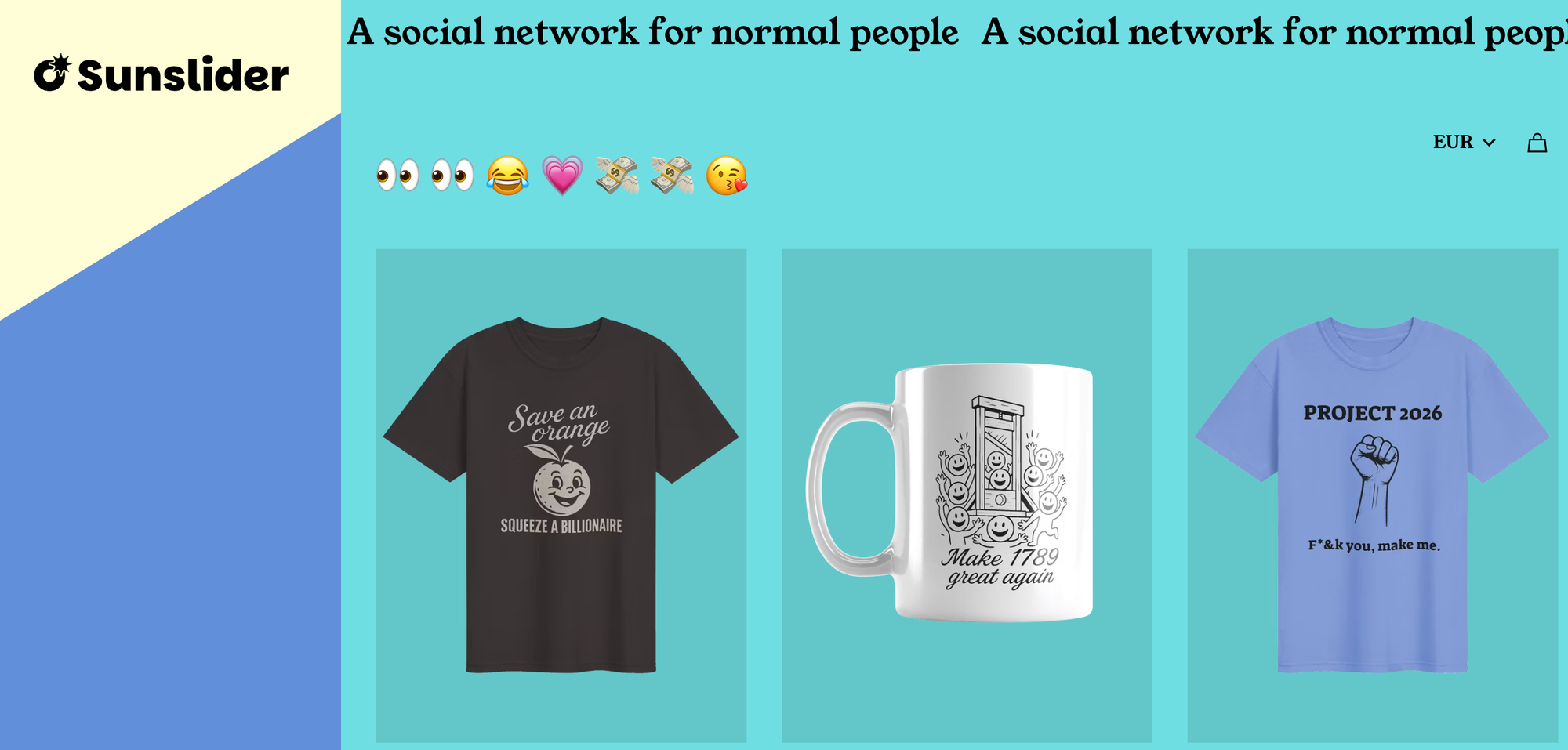
- And after having our previous supplier shut down, we got our new merch shop up and running as well 💪 Check it out!
Next up
Like most of you, I've been... noticing... how the major social media platforms are becoming overwhelmed by AI slop content. Because that relates to our goal of "give real people a safe, reliable place to share moments and not get sucked into endless scrolling", I've also been thinking about how to combat it. So our next update will center on how Sunslider can resist the growing wave of AI slop; work has already begun, so keep an eye out.
Wishing you a happy beginning of summer,
Kyle